
Overviews
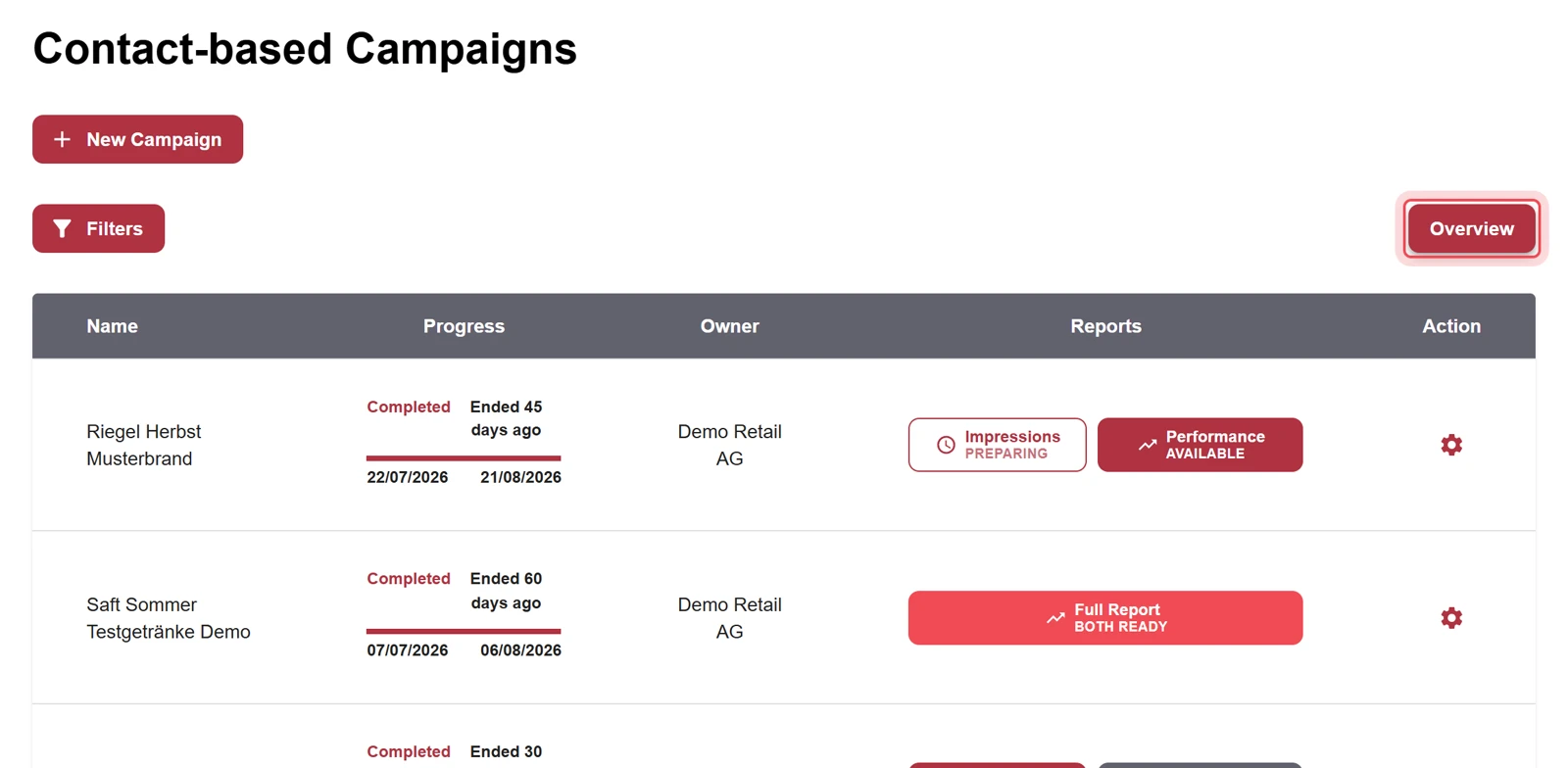
Each of the three lists Loop-based Campaigns, Contact-based Campaigns and Contact-based Visuals has its own Overview. It shows how often the visuals were played. In addition, there is the start overview in the Overview menu item.
| Overview | How to get there | Filters |
|---|---|---|
| Start overview | Menu item Overview | Stores, start and end date |
| Loop-based Campaigns Overview | List Loop-based Campaigns, button Overview | Visual Name, Store |
| Contact-based Campaigns Overview | List Contact-based Campaigns, button Overview | Campaign Name, time period, Forecast, Visuals, Visual Name |
| Contact-based Visuals Overview | List Contact-based Visuals, button Overview | Visual Name, Store |
With the Back to link at the top left you return to the list.
Start overview
Section titled “Start overview”Open the start overview with the Overview menu item. You filter by stores and by start and end date.
Loop-based Campaigns Overview
Section titled “Loop-based Campaigns Overview”Shows how often the visuals of your loop-based campaigns were played.
Contact-based Campaigns Overview
Section titled “Contact-based Campaigns Overview”Shows the impressions of all your contact-based campaigns, by day, week or month, and the visuals of each campaign. You can drill down to the individual visual. Your role needs the right for this overview.
By default, the overview covers the period from the first day of the month two months ago until yesterday.
- Turn on Forecast to also see the forecast for the next three months.
- Forecast and Visuals cannot be turned on at the same time.
- You can only use the Visual Name filter when Visuals is turned on.
To open the dashboards of a single campaign, see Open dashboards.
Contact-based Visuals Overview
Section titled “Contact-based Visuals Overview”Shows how often your contact-based visuals were played.
Help assistant
Answers from the Help Center, no AI