
Clone a loop-based campaign
When you clone, you copy the details of an existing loop-based campaign into a new campaign.
Before you start
Section titled “Before you start”- You need the permission Loop-based Campaigns at the Manage level, see Access and permissions. You can clone campaigns of your company, also completed ones.
- Have the visual for the new campaign ready. The visuals are not copied when you clone. The file requirements are in Visual specifications.
- Start and end are copied if they are today or later. If a date is in the past, choose a new one.
-
Click the clone icon
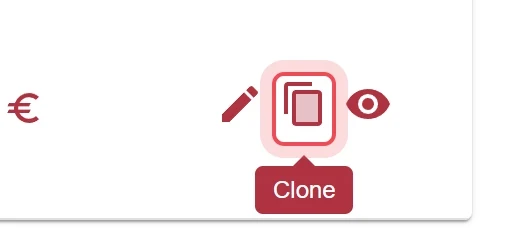
In the Loop-based Campaigns list, find the template and click Clone in the Action column.
-
Confirm the notice
The notice says that copied details can differ from the original. Click Ok.
-
Change the name
Enter a new name in the Campaign Name field. This way you recognize the copy in the list.
-
Choose the run time
Check Start Date and End Date and adjust them. Dates in the past are empty and must be chosen again. Then click Next.
-
Upload a visual
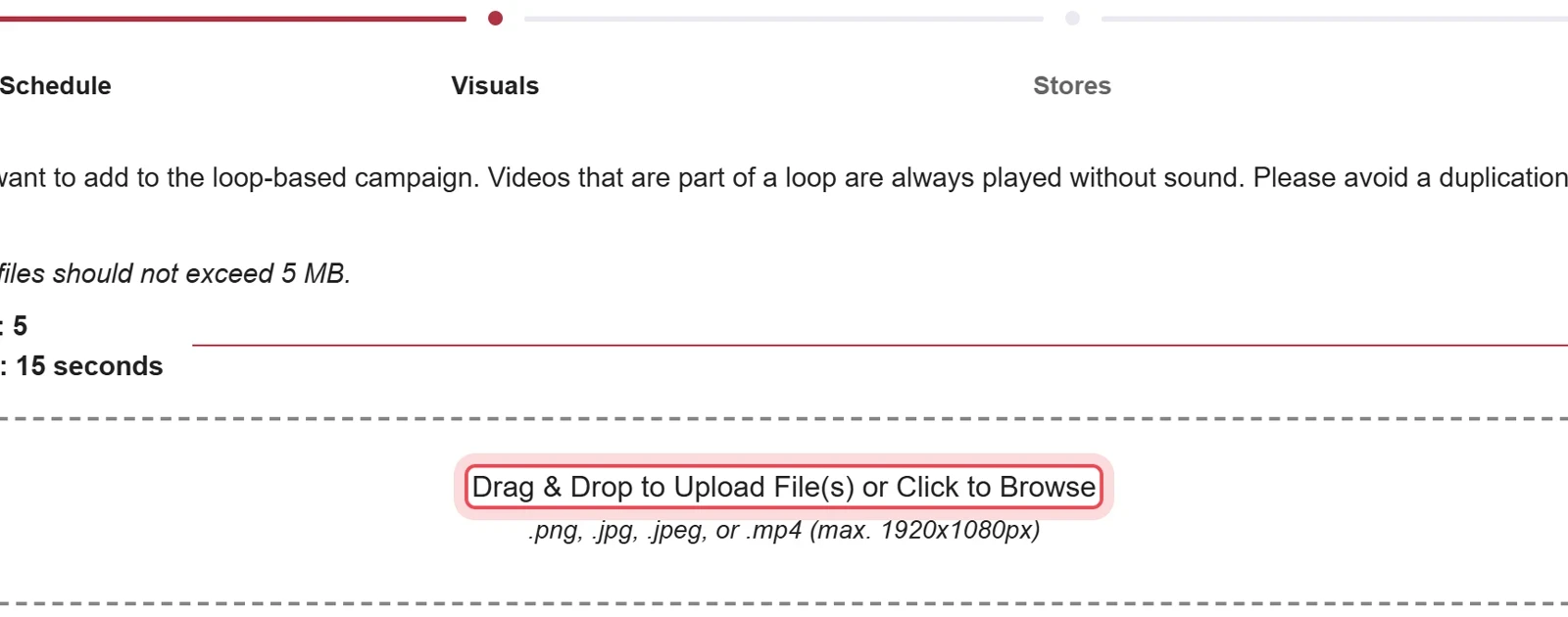
Drag the file into the field or click to choose it. Click Next.
-
Check the stores
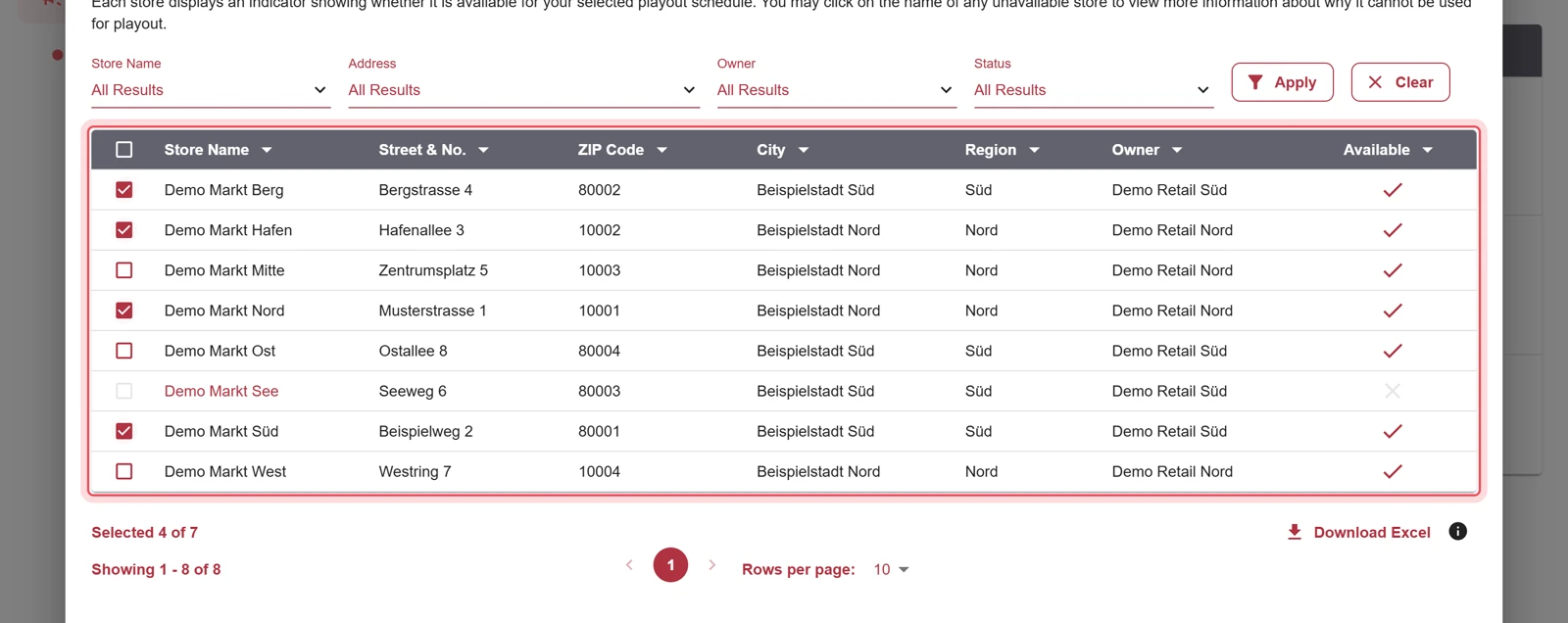
The stores of the original are already selected. Add or remove stores with the checkboxes. Click Next.
-
Review and save
Check name, run time, stores and visuals. Click Save.
Result
Section titled “Result”The copy appears in the list with your new name and starts on the chosen date.

Problems?
Section titled “Problems?”A store is missing in the copy. Stores are only copied if they are still available for the new run time. Choose another store in the stores step.
The file cannot be uploaded. Check format, size and file name against the Visual specifications.
Watch the whole process as a video (57 seconds)
Help assistant
Answers from the Help Center, no AI