
C.A.P. in the store
This area is for store managers and store staff. It explains the devices of the C.A.P. system in the store, how to handle them every day and what to do when there is a fault. Campaigns, on the other hand, are planned and evaluated in CAP Explorer.
How the system plays advertising
Section titled “How the system plays advertising”- Loop: The advertising runs all the time and without sound.
- Contact-based playout: When an RFID-tagged trolley or basket passes the C.A.P. screen, matching advertising starts, often with sound.
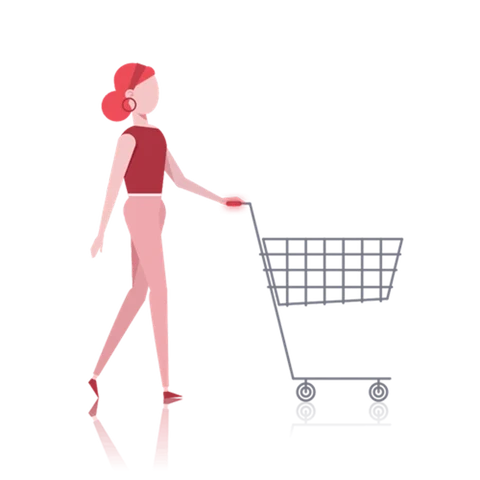
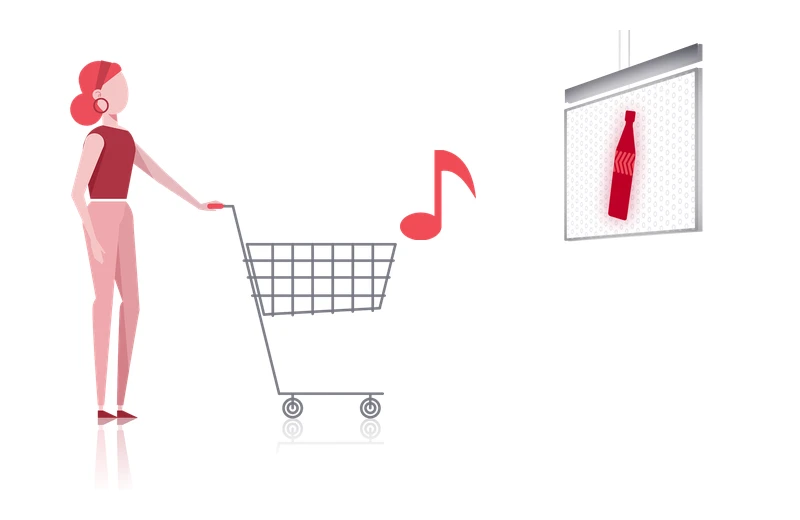
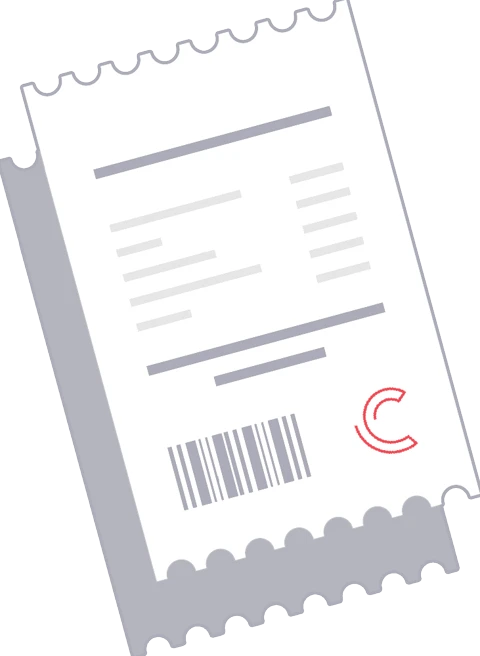
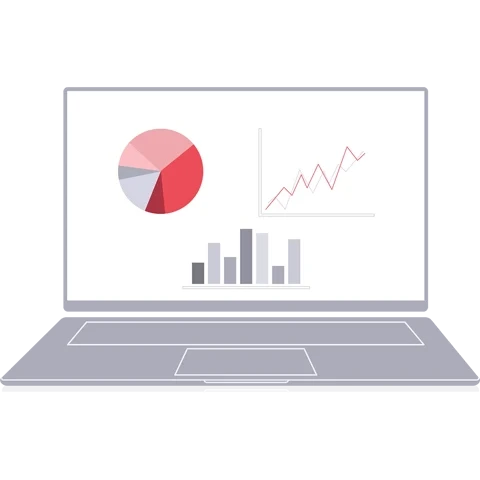
The step at the checkout only exists in stores with data capture (see below).
Devices in the store
Section titled “Devices in the store”Which devices are installed depends on the store. A store with data capture records at the checkout which purchase belongs to which ad contact, and has additional devices at the checkout for this. A store without data capture only counts how often the advertising was played.
| Device | Photo | Task |
|---|---|---|
| C.A.P. screen | 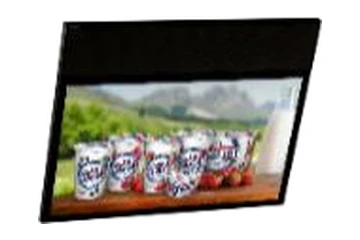 | Shows the loop or, when a trolley or basket is detected, contact-based advertising |
| Area reader | 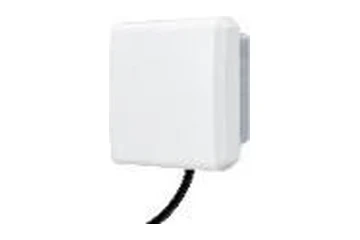 | Detects approaching trolleys and baskets and starts the contact-based advertising on the screen |
| RFID tag on the trolley or basket | 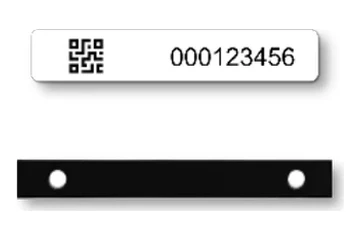 | Makes the trolley or basket detectable |
| LTE router | 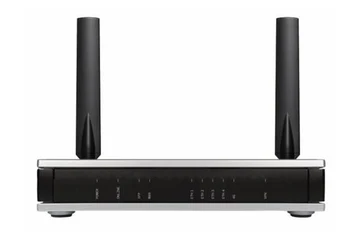 | Connects the system to the internet |
| RFID antenna | 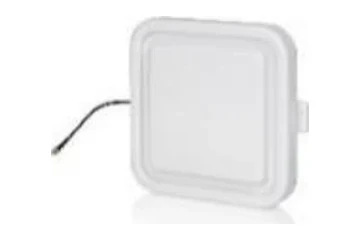 | Detects the trolleys at the checkout when they leave the store |
| Checkout reader | 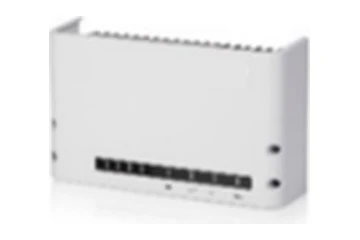 | Makes sure the RFID antennas detect the trolleys correctly |
| Multiplexer | 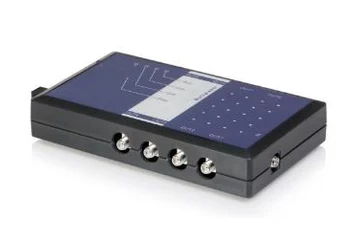 | Connects the checkout reader to additional RFID antennas |
| Device | Photo | Task |
|---|---|---|
| C.A.P. screen | | Shows the loop or, when a trolley or basket is detected, contact-based advertising |
| Area reader | | Detects approaching trolleys and baskets and starts the contact-based advertising on the screen |
| RFID tag on the trolley or basket | | Makes the trolley or basket detectable |
| LTE router | | Connects the system to the internet |
Not every store has all devices installed.
Every device has a clearly visible device number. You need it when you report a fault.
Opening hours
Section titled “Opening hours”The C.A.P. system follows the opening hours of your store. Cyreen sets them up for every store and keeps them up to date, you do not have to set anything yourself. Besides the regular opening hours, these are possible:
- Quiet hours: times when the store is meant to be quieter. During a quiet hour, C.A.P. plays the advertising without sound.
- Special opening hours: for example on public holidays or for special openings.
- Breaks during the day: for example at lunchtime.
- Sunday openings: Sundays on which the store is open.
If your opening hours change or you would like a quiet hour or a special day, tell us through the contact form. It has its own options for this. Changes only apply from the next day.
User manuals
Section titled “User manuals”Everything for the store is also in the two user manuals «Handbuch für Betrieb und Wartung im Markt» (operation and maintenance in the store), one for stores with data capture and one for stores without data capture. Both are in German. You can download and print them in the Download Center.
Help assistant
Answers from the Help Center, no AI