
Getting started
Cyreen operates C.A.P., an intelligent in-store retail media system. C.A.P. stands for «Connecting Ad-Impressions with Purchase»: the system connects the ad contact at the screen with the purchase at the checkout. More about the company is on the Cyreen website.
C.A.P. on cyreen.deHow C.A.P. works
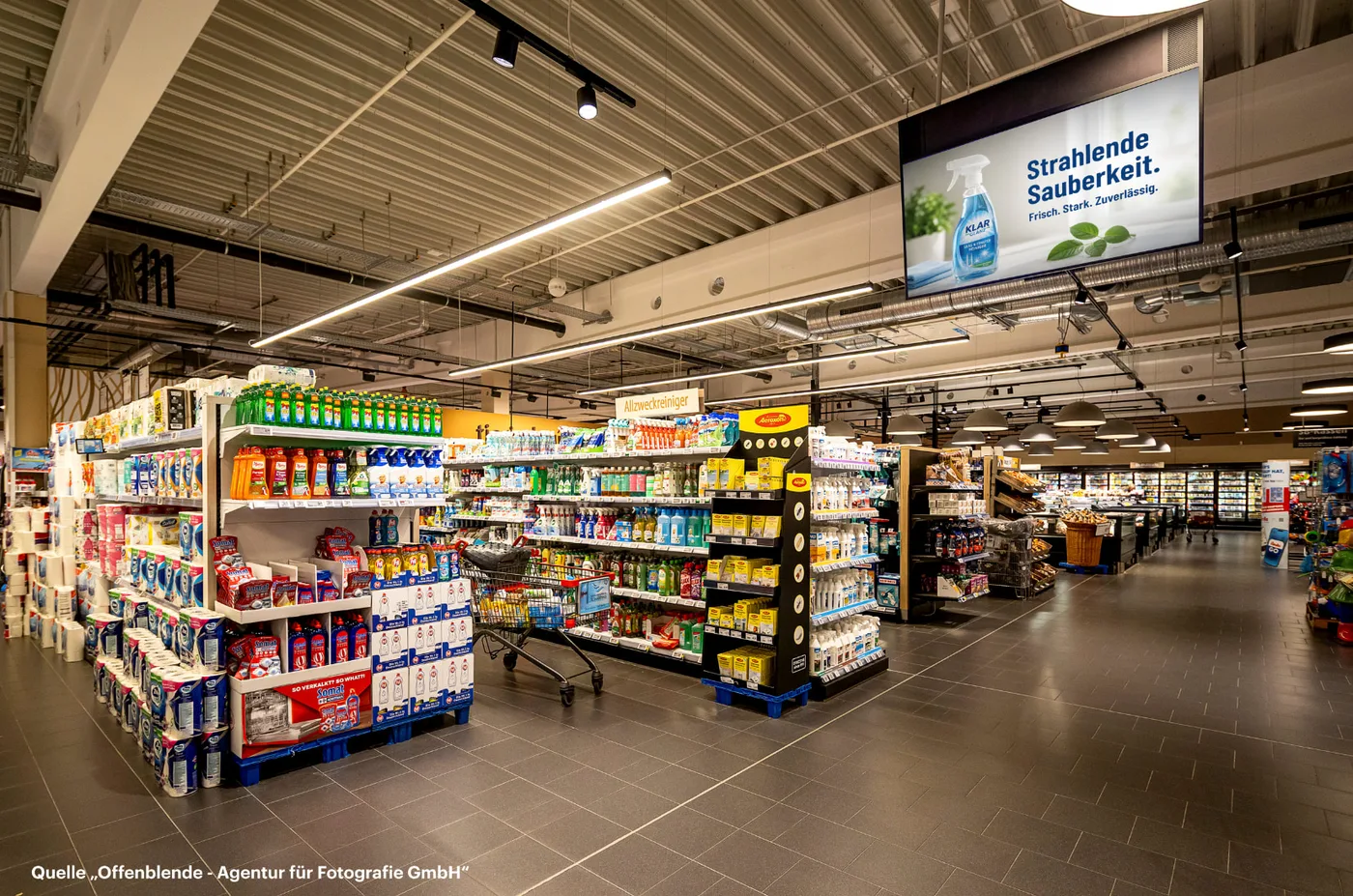
Section titled “How C.A.P. works”Trolleys and baskets carry an RFID tag. When such a trolley or basket passes a C.A.P. screen, a matching visual starts there. The trolley or basket is detected anonymously. At the checkout, the purchase is assigned to this ad contact.
Your way through CAP Explorer
Section titled “Your way through CAP Explorer”CAP Explorer is the web application for C.A.P. Here you create campaigns, play them out on the C.A.P. screens and see their impact.
-
Get an accountOnce, before anything else
A user of your company usually creates your account for you. You set your password through the link in the welcome e-mail. See Request an account.
-
Log inIn your browser, at explorer.cyreen.de
You log in with your e-mail address and password. What helps if you forgot your password is described in Log in and password.
-
Understand the campaign kindsLoop-based or contact-based
A visual either runs in the loop or starts when a trolley or basket passes. Which kind fits your goal is shown in Understand campaign kinds.
-
First loop-based campaignVisual in the loop
You upload a visual, choose the run time and stores and save. See Create a loop-based campaign.
-
First contact-based campaignVisual on an ad contact
You create the campaign and add a visual. For the Performance dashboard, you also add analytics products. See Contact-based campaigns overview.
-
See the impactDashboards for contact-based campaigns
From the second day, the Impressions dashboard shows how often your visual was played. You request the Performance dashboard. See Open dashboards.
Help assistant
Answers from the Help Center, no AI