
Stop a contact-based visual immediately
With Stop Playout, you end the playout of a running contact-based visual immediately. A contact-based visual cannot be deleted.
Before you start
Section titled “Before you start”- You need the permission Contact-based Visuals at the Manage level, see Access and permissions.
- The visual has the status Active.
- If an early but not immediate end is enough, adjust the end date instead, see Change a visual later.
-
Edit the visual
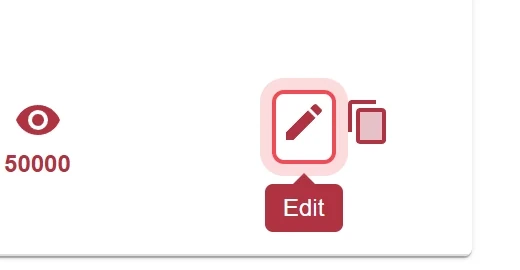
For the running visual, click the pencil icon Edit in the Action column.
-
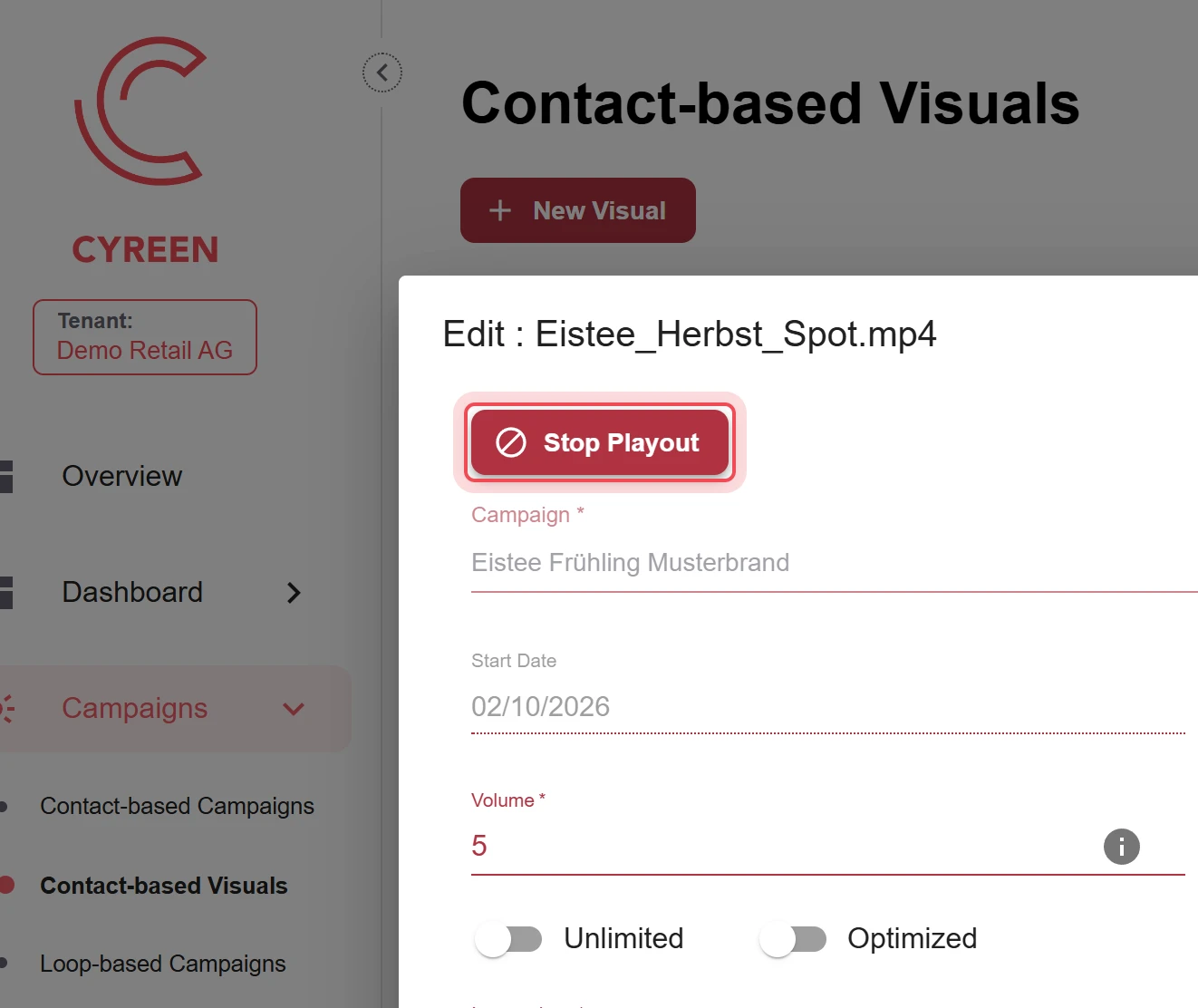
Choose Stop Playout
Click Stop Playout at the top of the window.
-
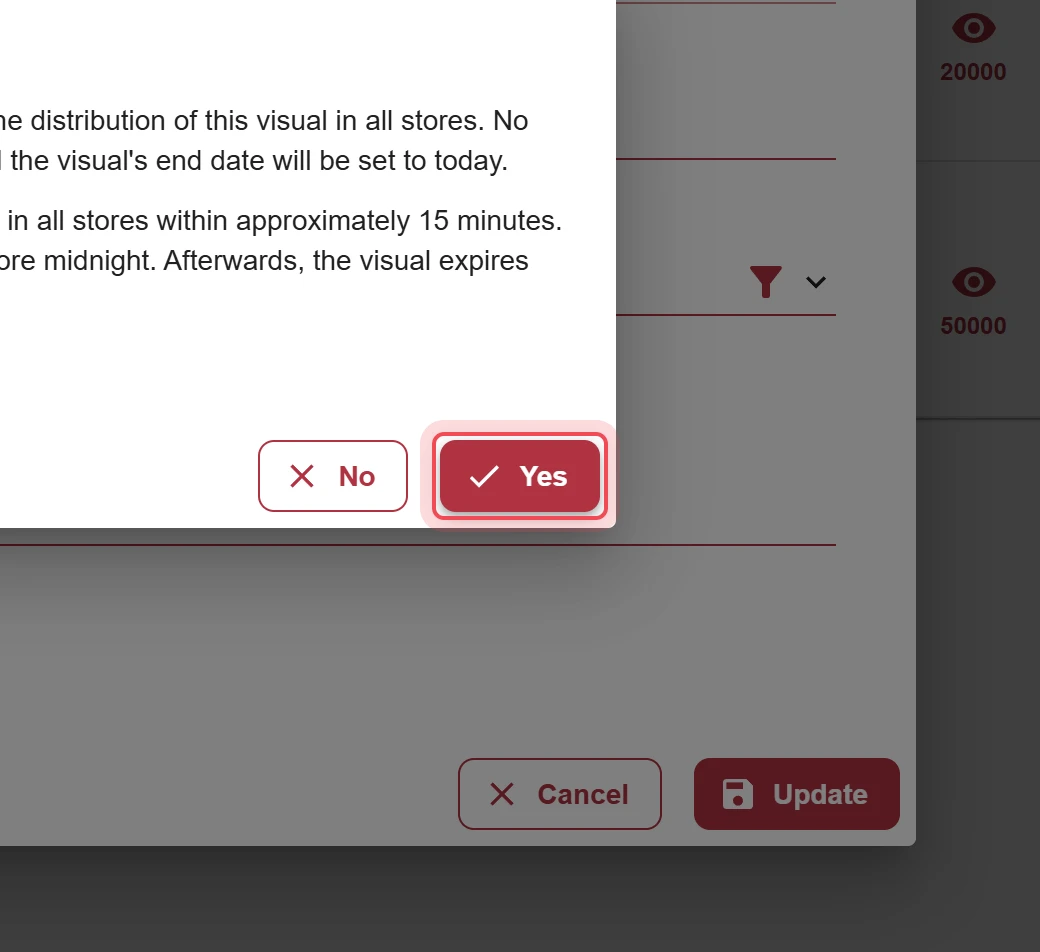
Confirm the prompt
The visual stops in all stores within about 15 minutes. The end date is set to today. Click Yes.
Result
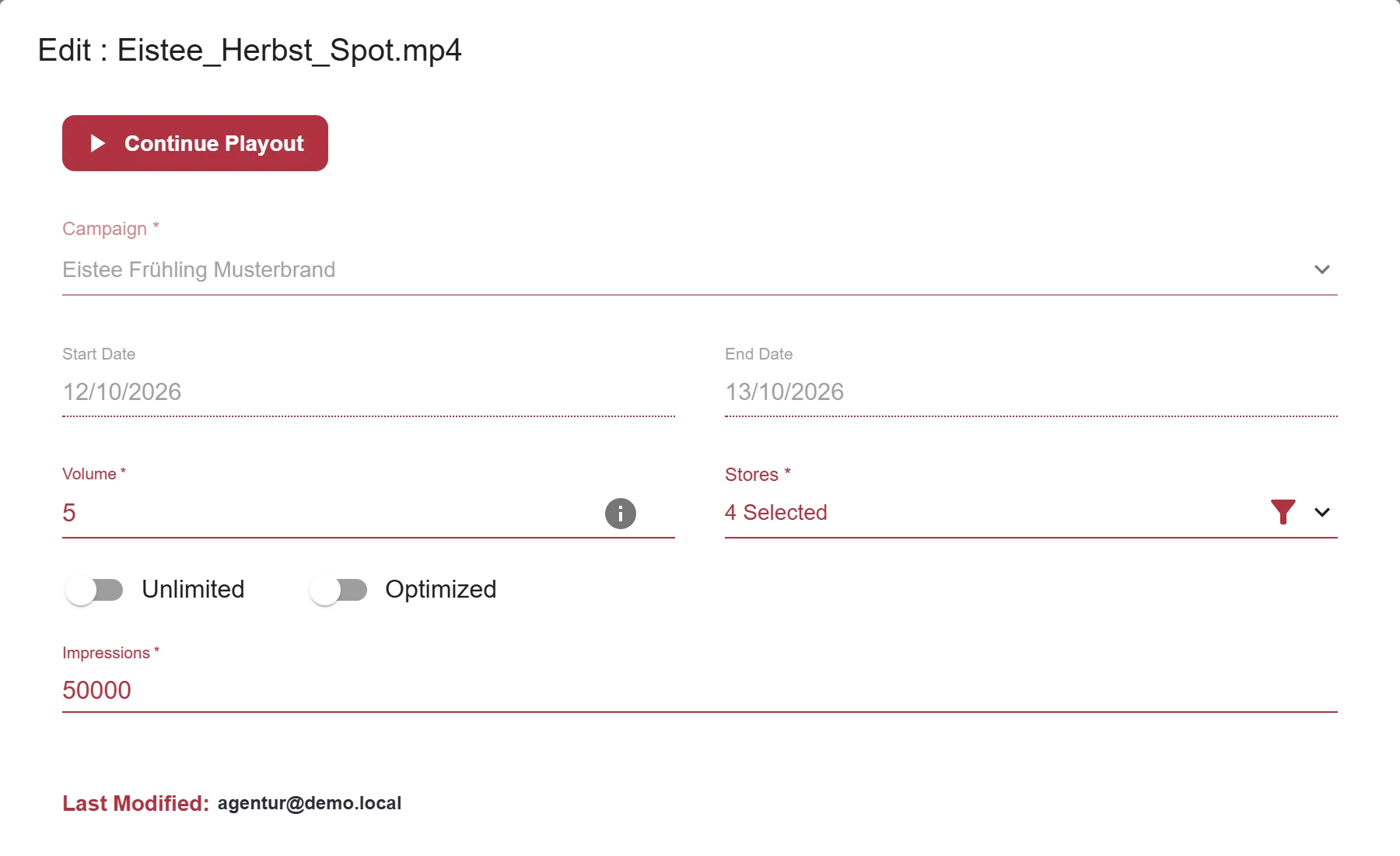
Section titled “Result”The visual shows the status Stopped, and the end date is today. Until midnight, you can continue the playout: open Edit, click Continue Playout and confirm with Yes. Then set a new end date.

Problems?
Section titled “Problems?”The visual is still visible in the store. It can still appear for up to 15 minutes after the stop. This is a technical delay.
I can no longer continue the playout. From the next day, the visual counts as expired. Create it again, for example by cloning.
Watch the whole process as a video (23 seconds)
Help assistant
Answers from the Help Center, no AI