
Daily operation
To keep the C.A.P. system running reliably, follow these points every day.
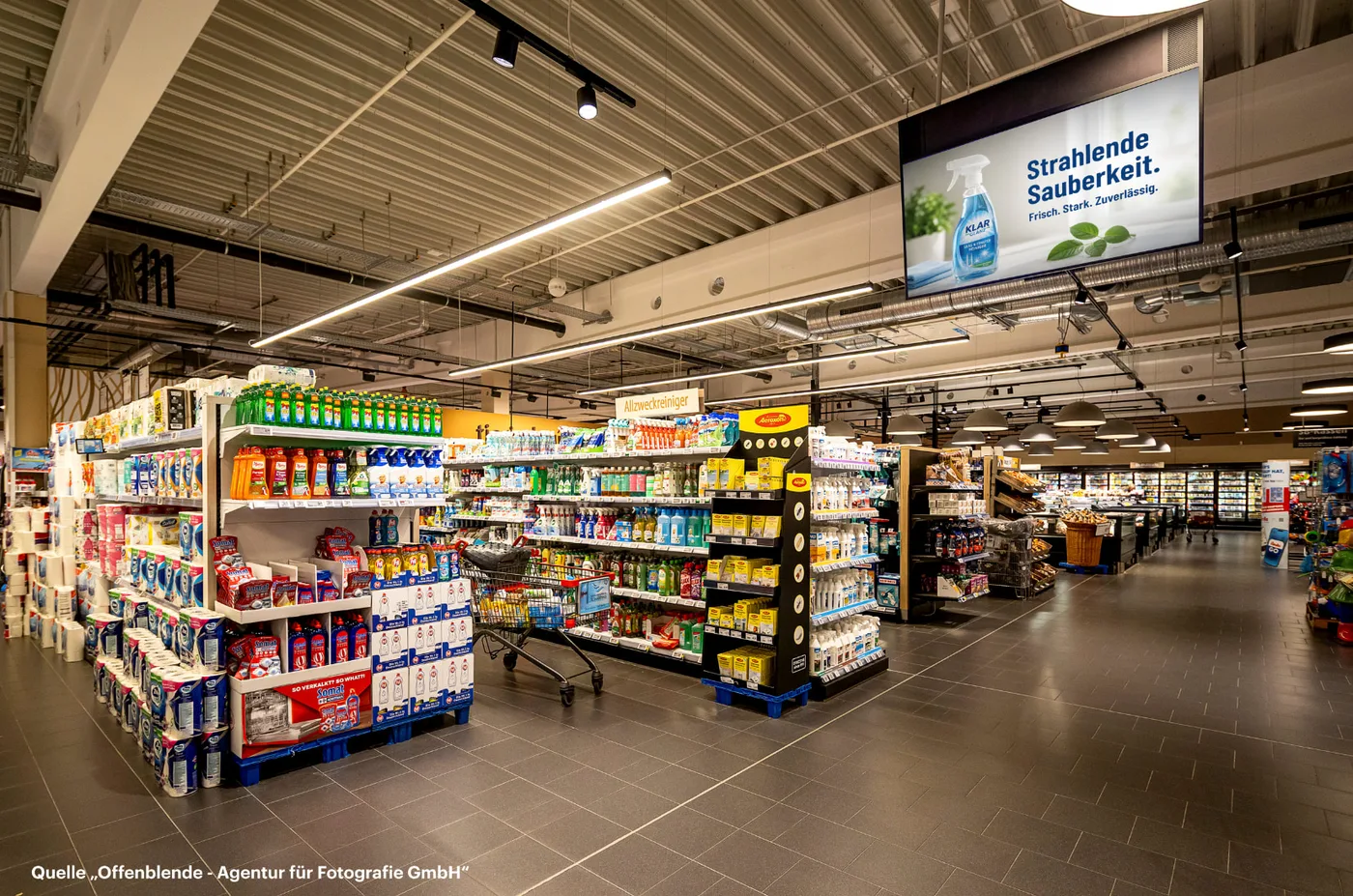
What you do and what you avoid
Section titled “What you do and what you avoid” What you do |  What you avoid |
|---|---|
| Always leave the devices switched on | Disconnecting the devices from power or unplugging them |
| Keep the view of the C.A.P. screens clear | Blocking the view of the screens |
| Keep the area in front of the area readers clear, in stores with data capture also in front of the RFID antennas | Placing metal objects in front of area readers or RFID antennas |
| Leave the sound switched on | Switching the sound off or turning it down |
| Inform Cyreen Support about refits or other changes in the store | Moving or removing devices yourself |
| Report a fault when something is broken or damaged | Repairing or modifying devices yourself |
Volume
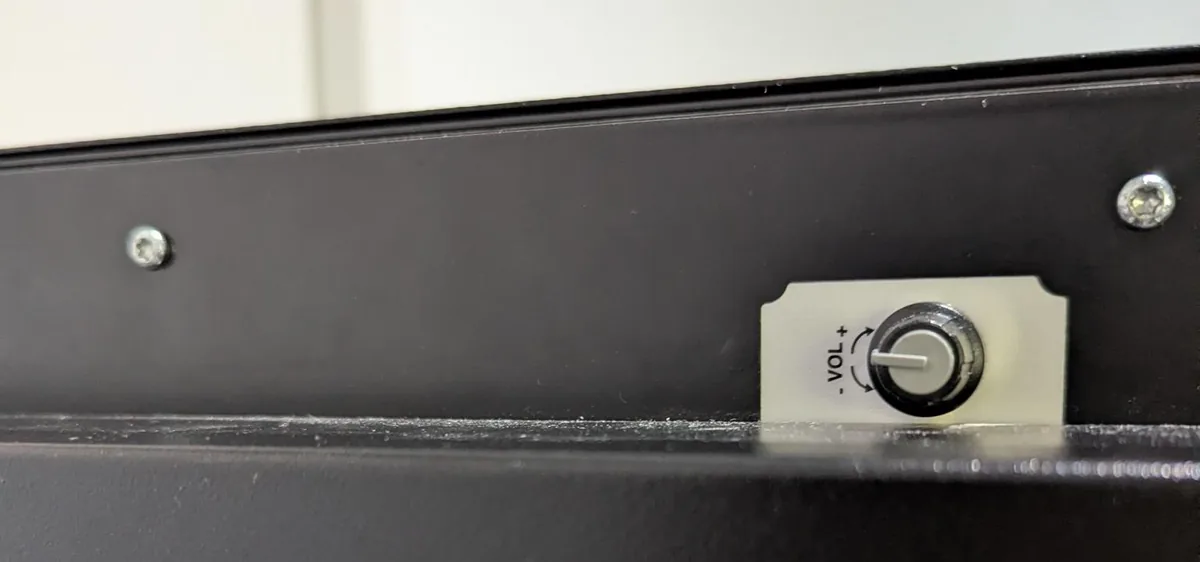
Section titled “Volume”The volume knob is at the top of the back of the C.A.P. screen. It must be at the 9 o’clock position.
- If the knob is not at 9 o’clock, turn it back to 9 o’clock. Stores have also received this instruction from head office.
- If the knob is at 9 o’clock, do not adjust it. If the sound is still too loud or too quiet, report it through the contact form or the incident report form. Cyreen takes care of it.
Advertising in the loop always plays without sound. There is only sound with contact-based advertising, that is when an RFID-tagged trolley or basket passes the screen.
Changes in the store
Section titled “Changes in the store”Some changes in the store affect the C.A.P. system, even when no device has a fault. Tell Cyreen Support about these through the contact form, topic «Changes to the C.A.P. system». There you can also communicate a quiet hour or report opening hours. You order new RFID tags under «Order hardware». The form accepts changes:
- for refits and changes at the checkout,
- when ordering trolleys and baskets,
- when trolleys or baskets are exchanged between stores,
- for faulty RFID tags.
Changes to the content on the screens and devices that are not part of the C.A.P. system do not go through Support, see Check and report a fault.
Examples:
- Refit of the checkout area (store with data capture): The checkout area gets self-checkouts. The RFID antennas of the C.A.P. system are removed in the process.
- Refit of the sales floor: Shelves near the C.A.P. screens are changed. This changes the walking routes, and the devices are no longer placed optimally.
- Handing over trolleys: A store hands over trolleys to another location. This changes the number of RFID-tagged trolleys and baskets in both stores.
Never move or remove devices yourself, not even during a refit.
Help assistant
Answers from the Help Center, no AI